Dashboard Overview
One page answers the questions worth asking every morning: which Agents are on this device, what is running, what failed, and how hard the device is working.
View: Dashboard
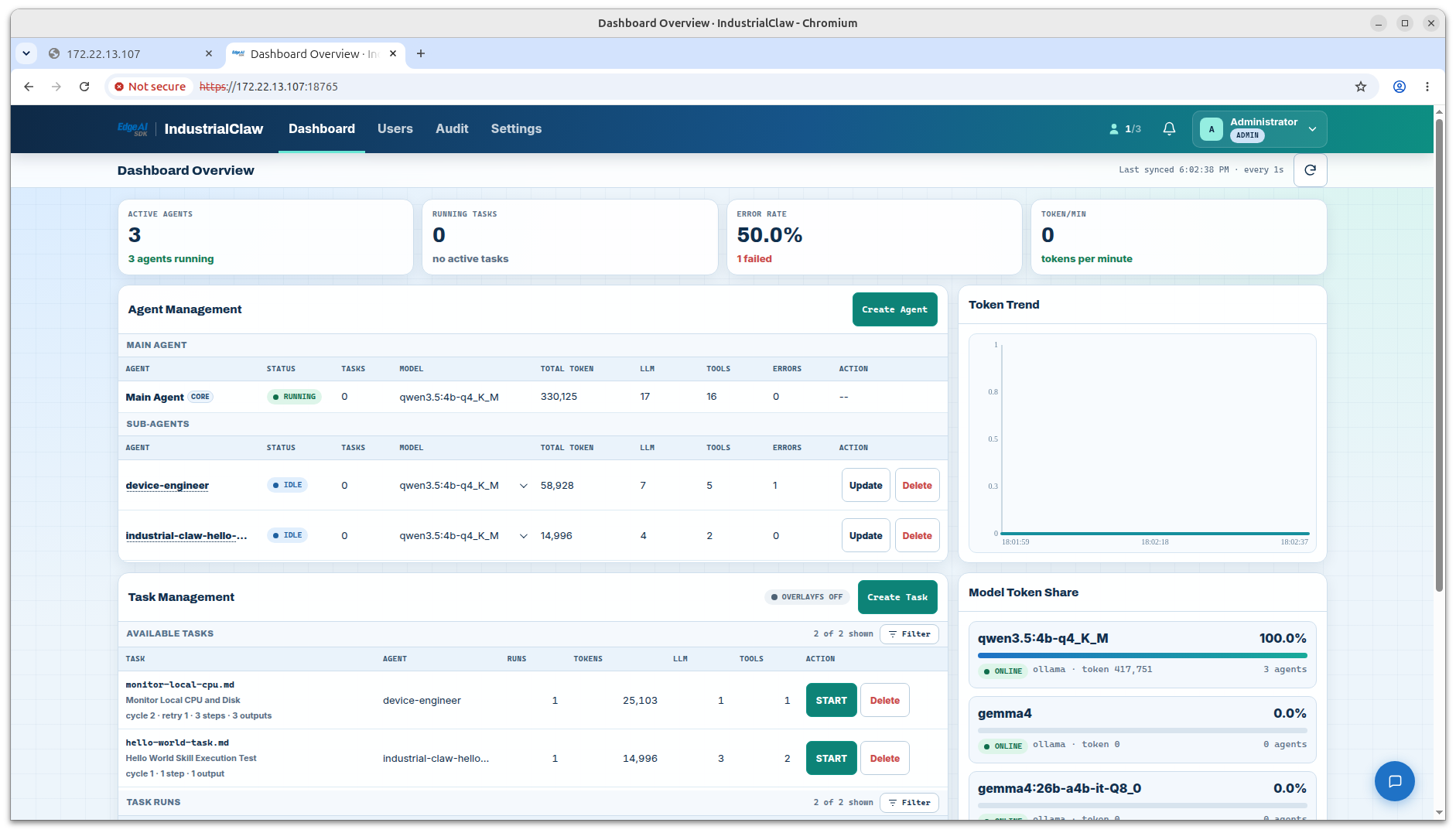
Dashboard areas
| Area | What it shows |
|---|---|
| Active Agents | How many Agents are available or running. |
| Running Tasks | How many Tasks are running right now. |
| Error Rate | The share of Tasks that failed—a quick health check. |
| Token/min | Model tokens consumed per minute. |
| Agent Management | Each Agent's status, model, token usage, model calls, tool calls, and Skills. |
| Task Management | Available Tasks, and the history of Task Runs. |
| Model Assignment Share | How the token usage splits across models. |
| Resource Panel | CPU, memory, storage, and other device resources. |
View: Agent Management
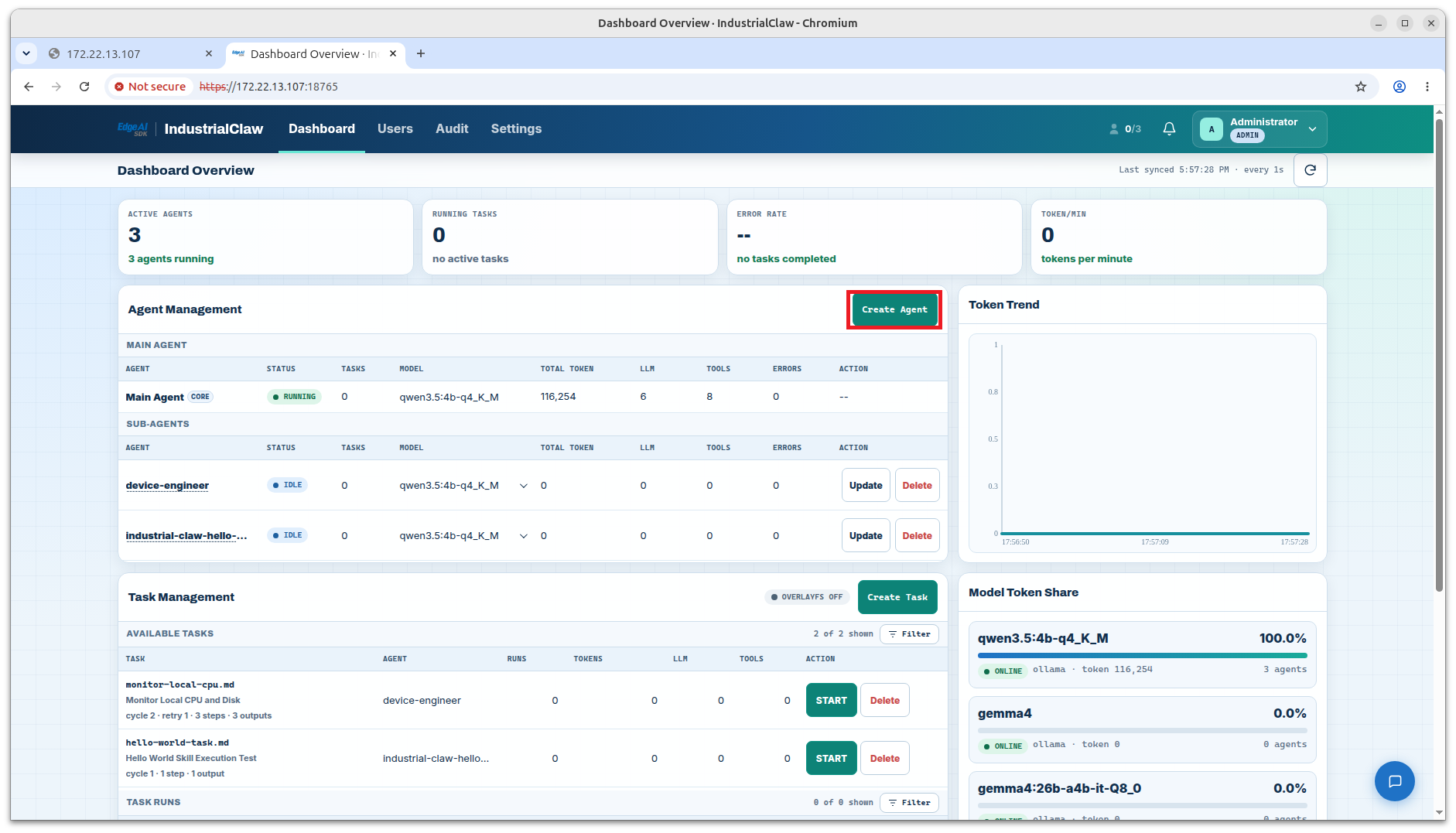
How a Task flows
Find the Task → Start it → Watch the status → Check and download the result
| Status | What to do |
|---|---|
running | Let it finish. Open the row to follow its progress. |
done | Check Outputs and download whatever needs keeping. |
failed | Open Log and read from the first error. |
done means the declared checks passed and the declared files exist. It does not mean the content suits your situation—that is still a person's call.
Related documentation
- Tasks — creating, starting, and stopping work
- Results and Audit — reading a run after it finishes
- Sign In, Accounts, and Assignment — who can see which Agents