Installation
Before you begin
- The device meets the system requirements.
- The device must have an account with
sudoprivileges. - The device stays connected while the installer fetches packages and images.
- The installer for your hardware profile is downloaded from Downloads.
Reinstalling or uninstalling removes Agent workspaces, Task definitions, Materials, and Outputs. Download anything worth keeping first.
1. Get the installer
The 1.0.0 installer is distributed as IndustrialClaw-1.0.0.tar.gz. See the Downloads page for the release that matches your hardware profile.
2. Run the installer
Extract the archive, open a terminal in the extracted directory, and run the installer:
./IndustrialClaw-installer.run
If the file is not executable:
chmod +x IndustrialClaw-installer.run
./IndustrialClaw-installer.run
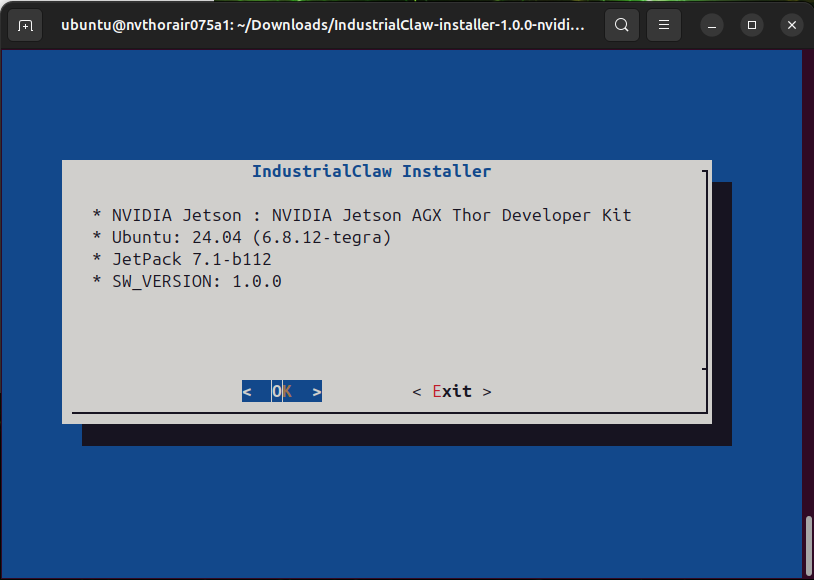
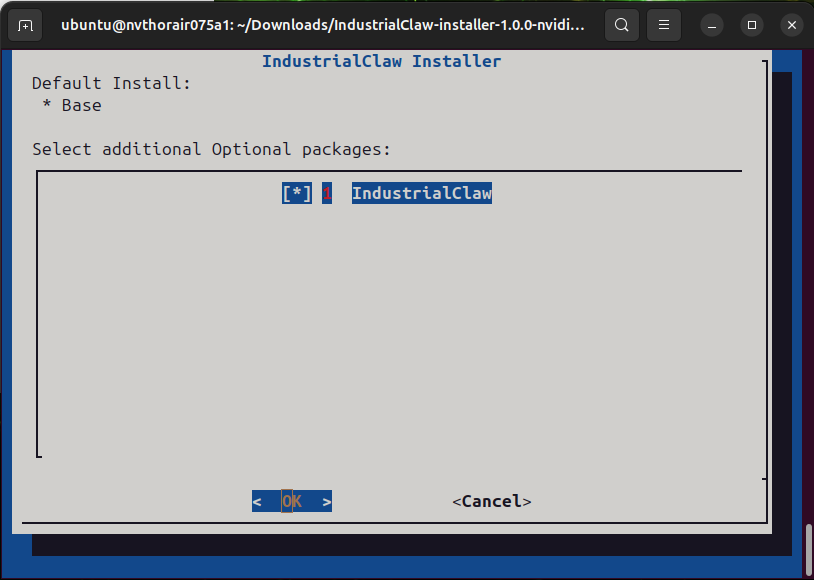
Accept the licence and confirm the install path when prompted. Progress runs from 5% to 100%.
View: Installer licence step
View installer progress
3. Start and stop
Double-click the IndustrialClaw desktop shortcut. It runs main/launcher.sh, which:
- Checks the environment—less than 4 GB free memory stops here, before any container starts.
- Starts the services in the background.
- Waits up to 60 seconds for the Dashboard to become reachable.
- Opens the browser at the Dashboard.
View: Launcher opening the Dashboard
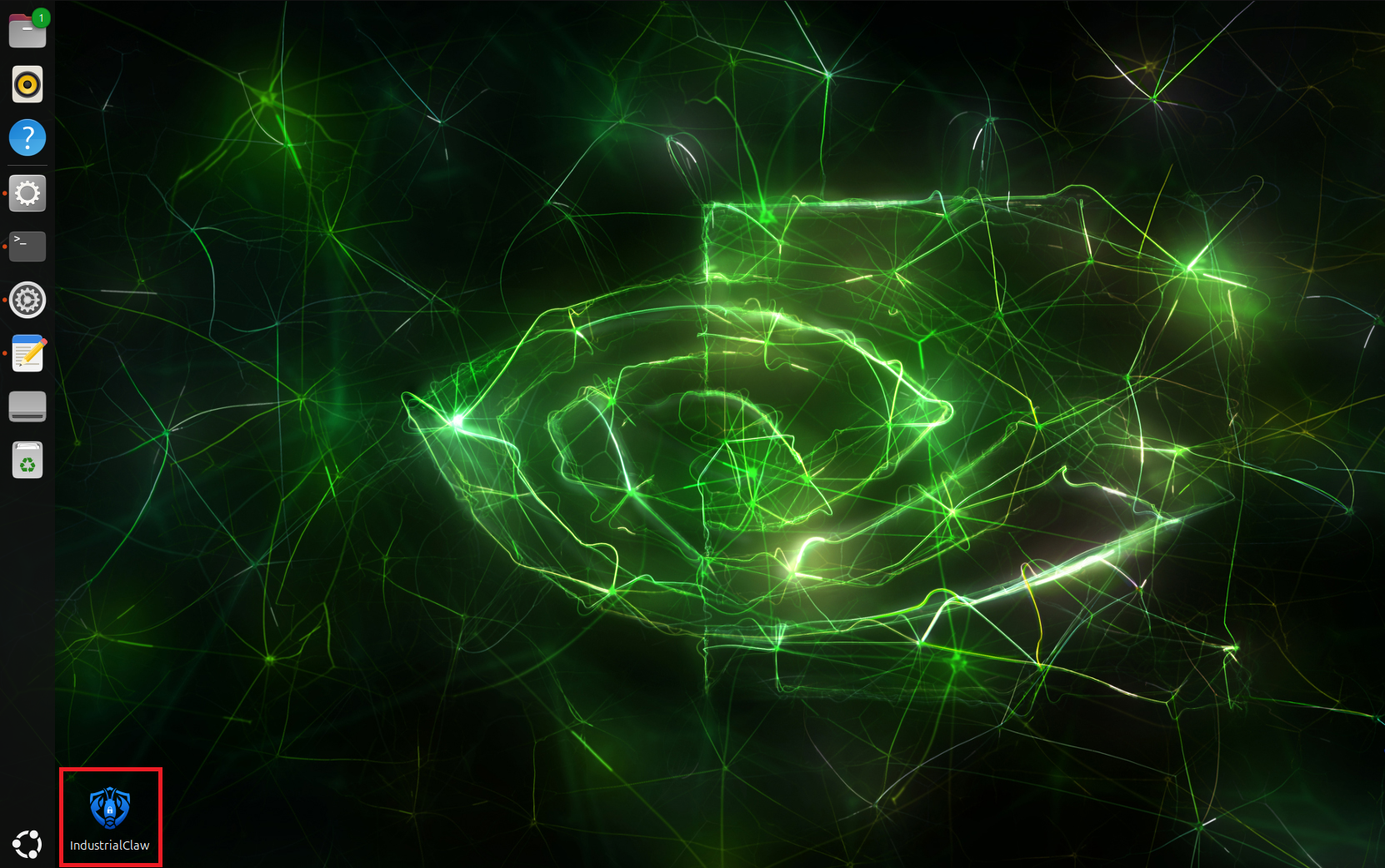
Closing the browser window stops the platform. The launcher runs the stop script on exit, which also removes the one-shot Skill containers.
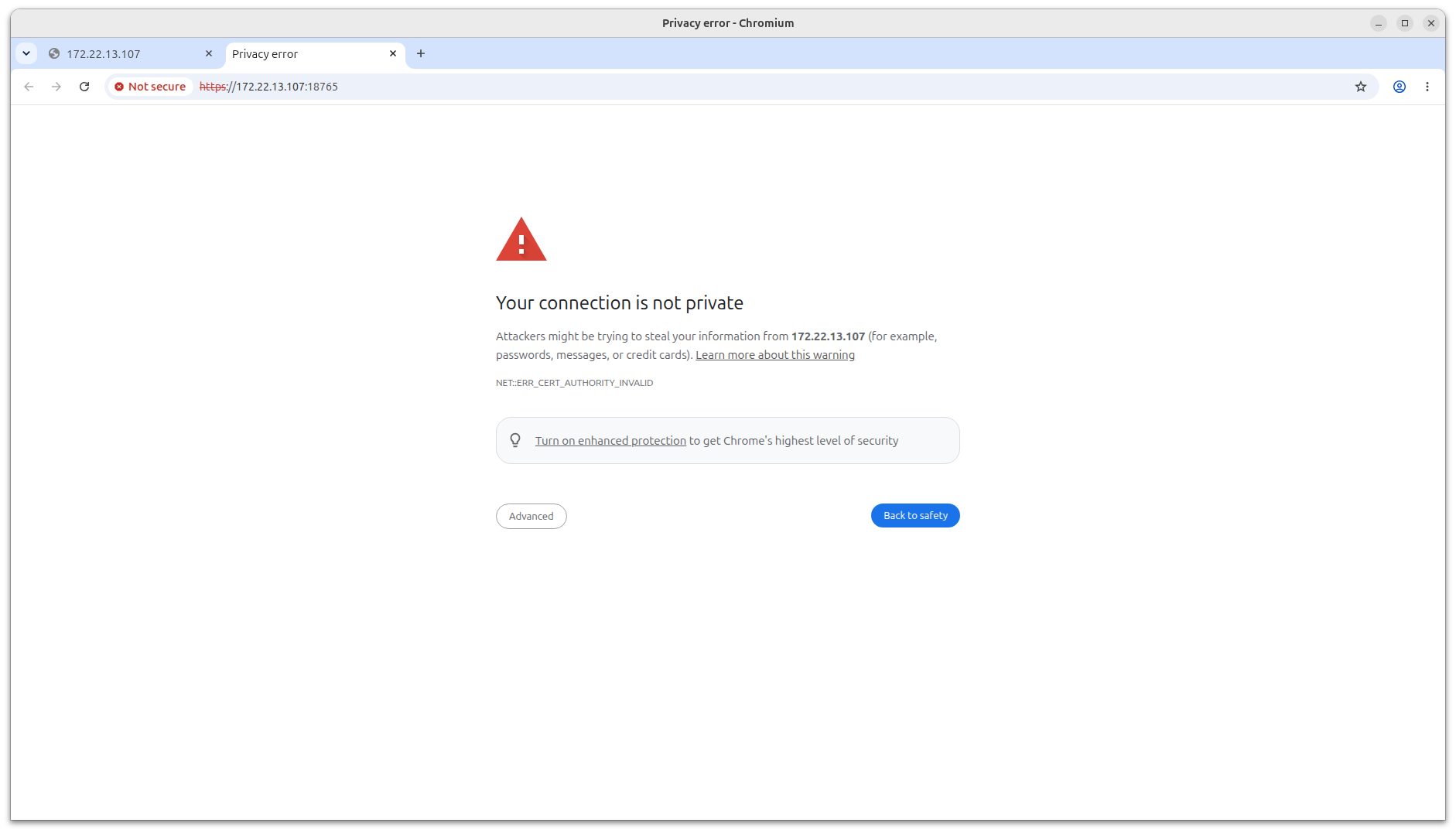
The first connection produces a certificate warning because the certificate is self-signed. Confirm the address is your device and continue.
View certificate warning
4. Configure a model
On the officially supported platforms, AIR-075 and AIMB-294, installation also installs Ollama and a working model (qwen3.5:4b-q4_K_M). Configuring a model is therefore only needed to switch to a different model. The command restarts the Gateway.
cd /opt/Advantech/Agentic/app/openclaw/scripts

./setup_model.sh local --auto-choice ollama \
  --customer-base-url "http://host.docker.internal:23951" \
  --customer-model-id "<model-id>"
--customer-base-url is the address as a container sees it, so a local engine must be given as host.docker.internal, never 127.0.0.1.
Downloading a model onto the device, pointing one Agent at a different model, and removing a model are all in Models.
Uninstall
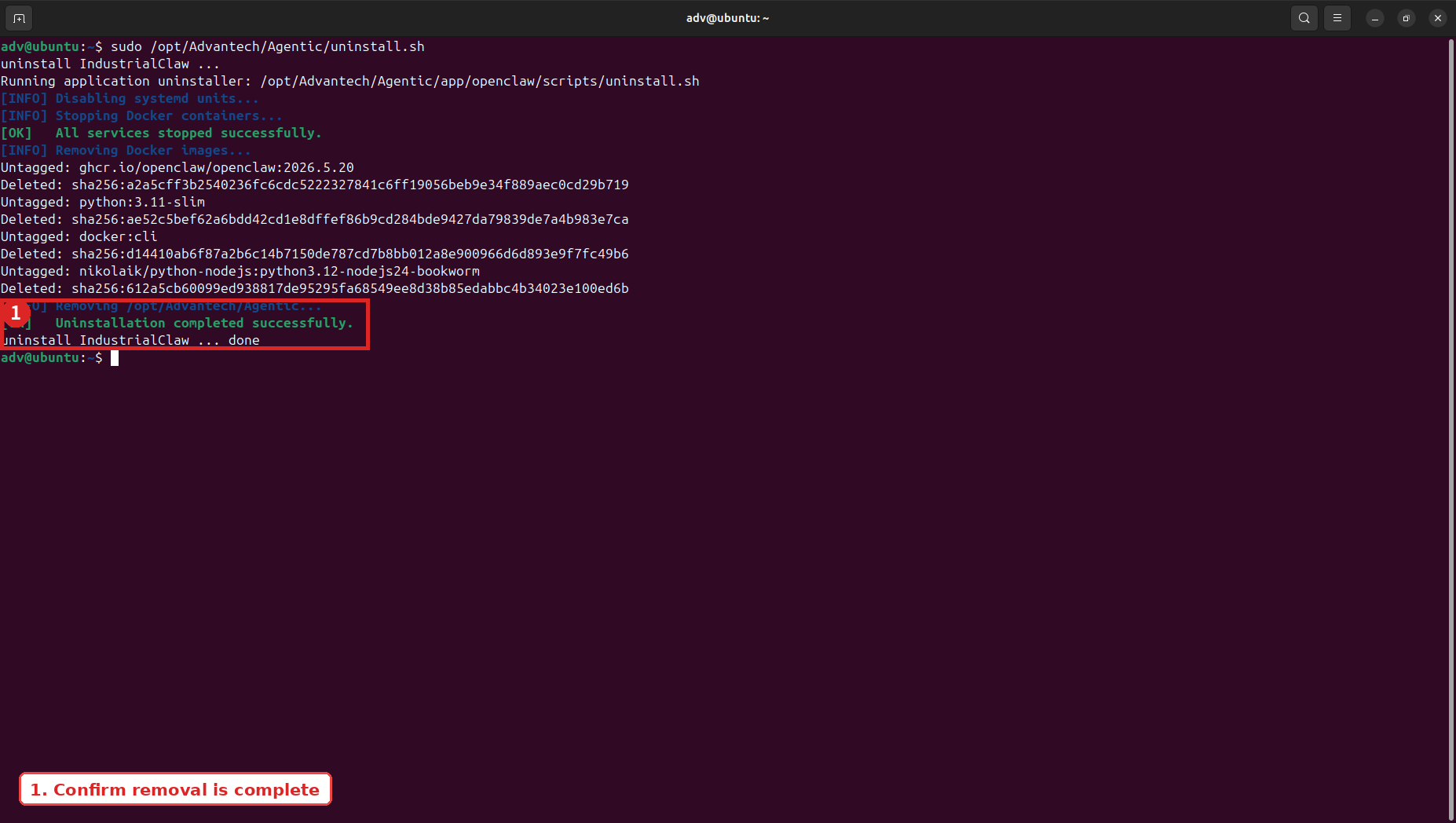
sudo /opt/Advantech/Agentic/uninstall.sh
This removes the menu entry and desktop shortcut, disables and deletes the systemd unit, stops every container including Skill runtimes, removes the four core images, and deletes /opt/Advantech/Agentic.
View: Uninstall
Uninstalling deletes Agent workspaces, Task definitions, Materials, and Outputs. Download anything you need to keep from the Outputs tab first.